Goal Shot Challenge
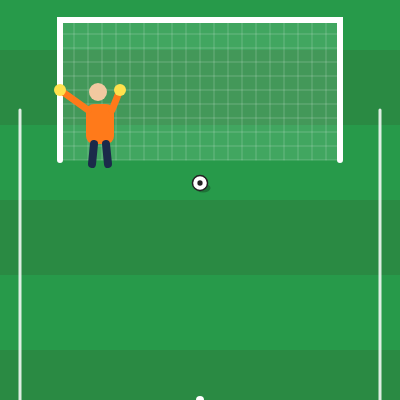
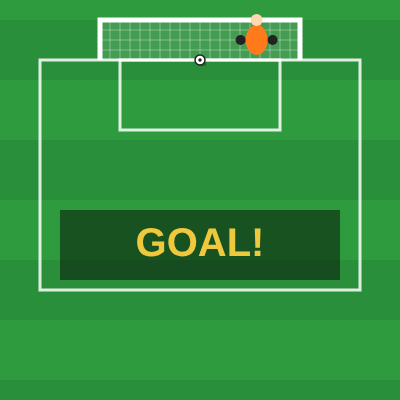
Goal Shot Challenge gives you five shots. Your aim moves along the line, and the goalkeeper shifts across the goal. Hold to build power, then release. The shot scores only when your power lands in the green band. Each shot is separate, so one miss does not affect the next.
How to play
- Press Enter, Space or tap to start.
- Move left and right to line up your shot.
- Hold Space, the mouse button or your finger to build power.
- Release with the power in the green band to score.
- After five shots the round ends. Tap or press Space to play again.
Controls
Desktop: Arrow keys or A and D move your aim. Hold Space or the mouse button, then let go to shoot.
Phone and tablet: Drag on the screen to aim. Touch and hold to build power, then lift your finger.
Tips
- Too weak or too strong takes the shot out of the green band, so practise the hold.
- Watch where the keeper is before you shoot. A shot close to him gets saved.
- Take a moment to line up each shot. You only get five.
FAQ
Is Goal Shot Challenge free?
Yes. It runs in your browser for free, with no download or account.
How many shots do I get?
You get five shots in each round.