Chess vs Computer
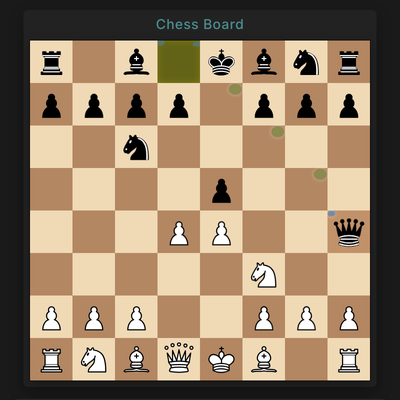
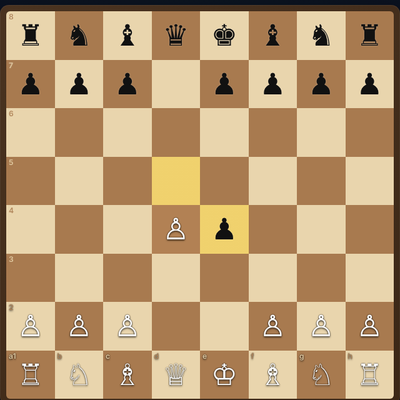
Chess vs Computer is a full game of chess with the computer as your opponent. You make a move, and the computer answers. The board and the chess engine both run in your browser, so there is nothing to install. Good for a quick game or a longer think.
How to play
- Click or tap one of your pieces to select it.
- Click or tap a square it can move to.
- Wait a moment while the computer makes its reply.
- Keep going until one side checkmates the other.
Controls
Desktop: Click a piece, then click the square you want. Arrow keys move the highlight and Enter picks a piece or a square.
Phone and tablet: Tap a piece, then tap the square where it should go.
Tips
- The first visit takes a while because Python loads into your browser. Later visits start faster.
- The computer takes loose pieces, so check that nothing is left unprotected before each move.
- Prefer the keyboard? Arrow keys and Enter work for every move.
FAQ
Is Chess vs Computer free?
Yes. Play as many games as you like in your browser. There is no account to make.
Do I need to know chess already?
You need to know how each piece moves. The game follows standard chess rules, so any rule you already know applies.
Based on open-source code by ANSCoder (MIT). See the source code and licence.